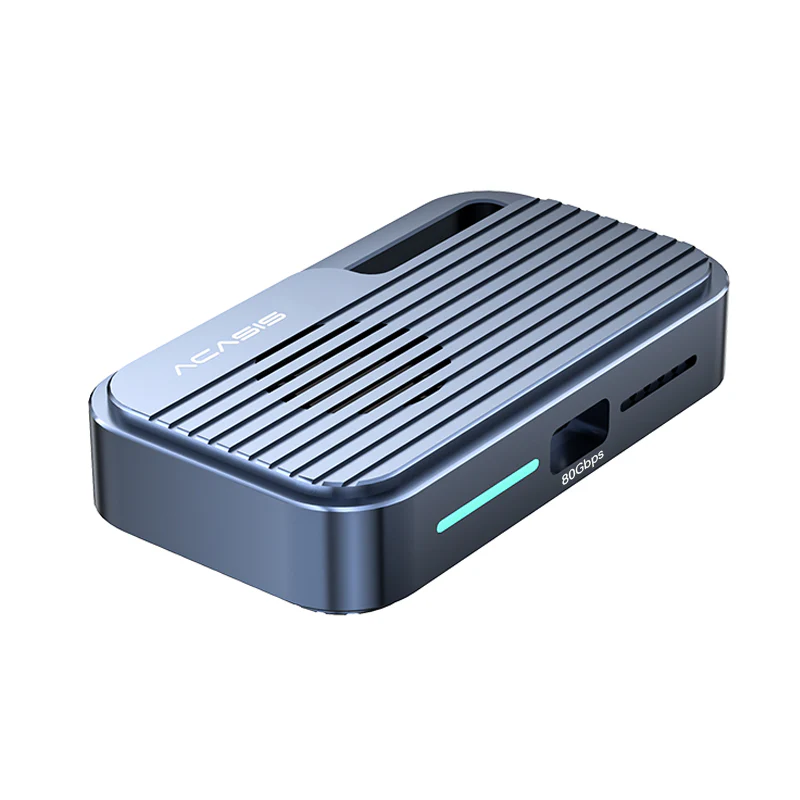
ACASIS 13 in 1 Thunderbolt 4 dock easily expand 2 Monitors for you, Single 8K display high resolution, Ideal for high resolution displays ,devices charging & high speed NVME SSD storage devices13-in-1 Interface4 x 40Gb/s port :1X 40Gbps input port (connect your laptop), 3 x 40Gbps output ports (connect displays 8K&4k、ssd enclosure 、peripheral devices charging and more type C/thunderbolt devices2 x USB-A 3.2 Gen 2 (10Gb/s):connect all your USB accessories and power delivery 5V up to 3A2 x USB-A (480Mb/s) :In addition to connecting your mouse/keyboard …, also compliant with Battery Charging 1.2 spec1 x SD 4.0 (UHS-II) &1 x microSD 4.0 (UHS-II) : SD 4.0 spec SD and micro SD Card reader slot to copy photos & movies from your media cards.1 x 1000Mbps Gigabit Ethernet1 x Rear Audio Out (3.5mm)1 x DC In (120W: 20V 6A)3x TB4 Downstream PortsThree Thunderbolt 4 downstream ports provide 40Gbps data transfers, 32Gbps PCIe transfer for better graphics performance, and 15W charging.8K Single or 4K Dual DisplayThunderbolt 4/USB 4 port support 8K/60Hz single display or 4K/60Hz dual displays. Work more efficiently with multiple screens.Thunderbolt 4 ChipEquipped with Intel certified JHL8440 chip, high quality, high efficiency, high safety.Power DeliveryThe ACASIS Thunderbolt 4 USB 4 dock is equipped with Power Delivery technology which is capable of charging your laptop or other devices with up to 60W of power.Daisy ChainThunderbolt laptop users can daisy chain additional Thunderbolt devices to the hub. FAQ Q1: Can this USB4 dock work with any laptop? The dock works with Thunderbolt 4, Thunderbolt 3, USB 4, and USB-C computers/iPad/Windows tablets, including Apple M2, M1, M1 Pro, M1 Max, M1 Ultra, Intel based Macs, Windows, and Chrome OS devices. Q2: What can I use these three 40Gbps interfaces of the USB4 dock for? 3x 40Gbps output ports make getting more from your laptop a breeze. Transfer files, connect an external monitor, and power your laptop all from a single port. That leaves plenty of ports free to accomplish all of your other tasks. Q3: How many external/mirror displays can this dock support and what are the maximum resolutions? The dock support 2 external/mirror displays via 2 output 40Gbps ports.1) Single monitor: Windows – 8K30Hz, macOS – 4K60Hz2) Dual monitor: Windows – 8K60Hz 4K 60HZ, macOS – dual 4K60Hz.(except APPLE M1) Q4: What should I do if the external monitor has screen drop, black screen, or flickering? 1. Please try a shorter video cable2. Try a different monitor that is known to be running well.3. Update your operating system to the latest version.4. Try to reset the NVRAM.5. Don’t use HDMI converter. Q5: What kind of cable should I use to connect the dock to my laptop? It’s recommended that you use the attached Thunderbolt 4 cable. If you need to use a different cable (due to loss etc.), then another Thunderbolt 4 cable would also be compatible.